
When you view the proposal as a PDF, the page break will separate the content exactly where you placed it.
- Go to the Proposal View.
- Click Edit.
- Click on the section where you’d like to add a page break.
- Select the Page Break icon.
- You’ll see the page break applied, it will appear in the web preview on the right-hand side.
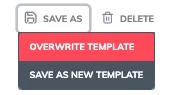
Once satisfied, overwrite your changes the updated layout will appear whenever you use the proposal template for future quotes.